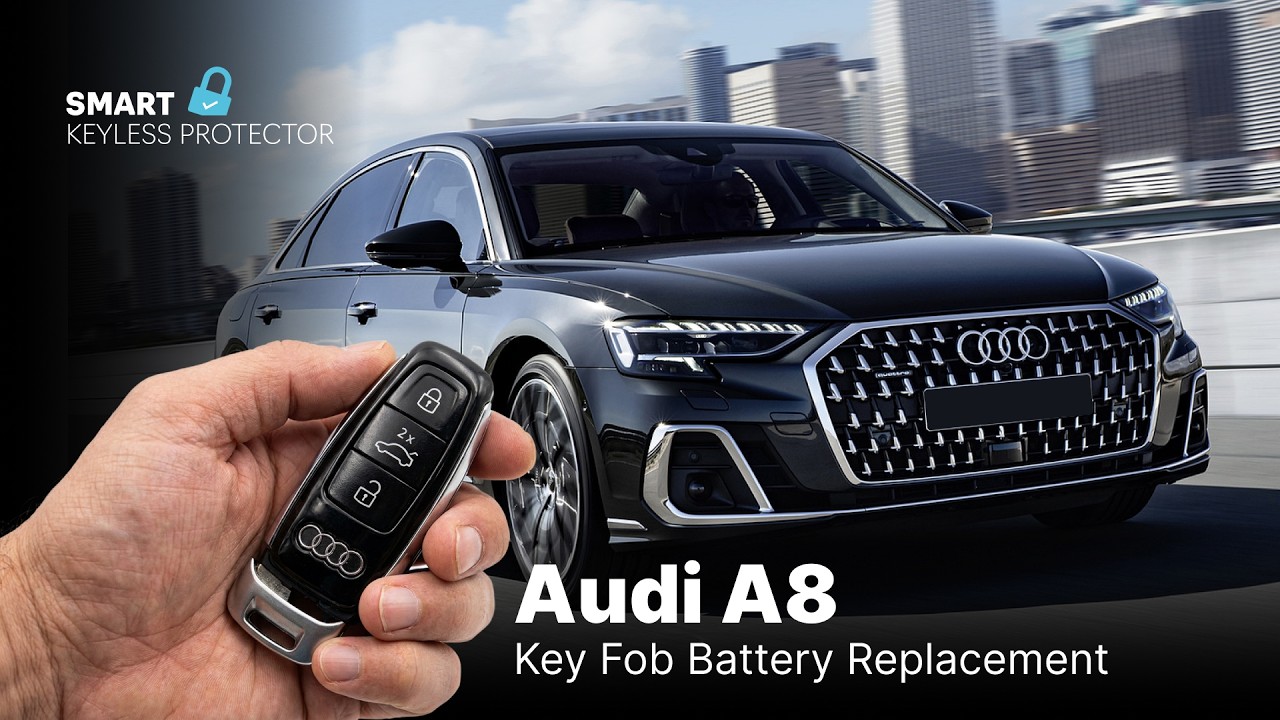
How to Replace Your Audi A8 Key Fob Battery: Quick Maintenance for Your Smart Vehicle
This article provides an in-depth exploration of Smart vehicle, covering foundational concepts, practical applications, and engineering insights.
Driving a luxury sedan like the Audi A8 (2018+) offers an exceptional blend of performance, style, and cutting-edge technology. However, even the most advanced keyless entry and anti-theft systems rely on a small item to function properly: the key fob battery.
When your key fob battery starts dying, you might experience reduced remote range or delayed responses when locking and unlocking your doors. Fortunately, you do not need an expensive trip to the dealership to fix this issue. You can easily replace the battery at home in just a few minutes.
Why Key Fob Maintenance Matters
Your key fob is the primary bridge between you and your smart vehicle. Beyond simple locking and unlocking, it communicates with your car’s security system to enable push-button start and keyless entry features. Keeping the remote battery fresh ensures that your car's anti-theft protections function reliably and that you never get locked out unexpectedly.
Step-by-Step Audi A8 Key Fob Battery Replacement
Replacing the battery in your 2018+ Audi A8 key fob requires minimal tools and basic attention to detail. Follow these simple steps:
- Release the Emergency Key: Locate the release button on the back or side of your Audi key fob. Press and hold it to slide out the physical emergency key blade.
- Access the Battery Compartment: Look inside the slot where the mechanical key was stored. You will see a small plastic tab or notch. Use the edge of the key blade or a small flathead tool to gently press the release catch and remove the battery tray or back cover.
- Swap the Old Battery: Take out the depleted coin battery (typically a CR2032 lithium battery). Dispose of it safely.
- Insert the New Battery: Slide the fresh battery into the holder, ensuring the positive (+) side faces the correct direction as indicated inside the casing.
- Reassemble the Fob: Snap the cover or battery tray back into place until it clicks securely, then reinsert the emergency key blade.
Keep Your Luxury Drive Stress-Free
Once the new battery is installed, test your remote by locking and unlocking your vehicle from a short distance. Taking a few minutes for this quick DIY task ensures that your smart vehicle keyless entry system operates flawlessly every single day. Keep a spare CR2032 battery in your glove box so you are always prepared on the road!
Visual Insights & Illustrations


