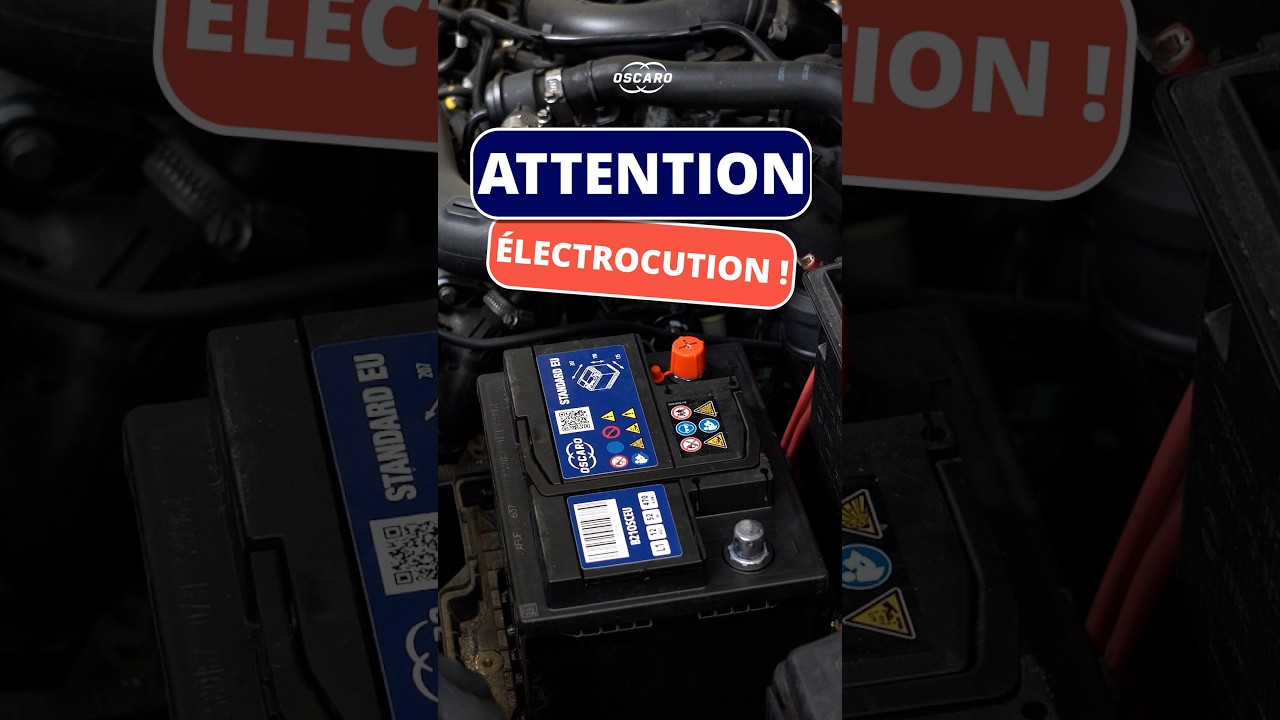
Essential Battery Maintenance Tips for Your Connected Car: The Renault Clio IV Guide
This article provides an in-depth exploration of Connected car, covering foundational concepts, practical applications, and engineering insights.
In the era of the modern connected car, replacing a vehicle battery isn't as simple as it used to be. Advanced electronics, infotainment systems, and smart sensors require careful handling during routine maintenance. If you are working on a popular model like the Renault Clio IV, knowing the exact steps for battery installation is crucial to prevent electrical shocks, dangerous short circuits, or costly damage to your vehicle's digital systems.
Why Terminal Connection Order Matters
When installing a new battery, the sequence in which you attach the terminals can mean the difference between a smooth installation and a blown fuse. Today's vehicles are packed with sensitive electronic control units (ECUs). An accidental connection error or a slip of a metal tool against the chassis can instantly create a short circuit.
To keep your vehicle safe, always follow the universal rule of battery terminals:
- When Disconnecting: Always remove the Negative (-) terminal first, followed by the Positive (+) terminal.
- When Reconnecting: Always attach the Positive (+) terminal first, followed by the Negative (-) terminal.
Step-by-Step Battery Installation for Renault Clio IV
- Safety Preparation: Turn off the ignition completely and remove the key card. Wear protective gloves and eye protection before touching the battery.
- Secure the Unit: Place the new battery firmly into the mounting tray and tighten the hold-down bracket to prevent shifting while driving.
- Attach the Positive Terminal First: Connect the red cable to the positive (+) terminal. Tighten the nut securely with a wrench, taking care not to touch any surrounding metal bodywork with your tool.
- Attach the Negative Terminal Last: Connect the black cable to the negative (-) terminal. You might observe a small, harmless spark as the electrical circuit completes—this is normal as onboard systems power up.
Protecting Your Onboard Technology
Modern features like touchscreen displays, keyless entry, and diagnostics mean that driving relies heavily on a stable power supply from your connected car battery. Incorrect handling during a swap can cause voltage spikes that disrupt telemetry modules or reset critical system settings.
Conclusion
Taking a few extra seconds to verify your battery connection order guarantees a safe, hassle-free job. By following these quick maintenance steps, you safeguard both yourself and the delicate software powering your connected car, ensuring your Renault Clio IV stays road-ready and fully operational.


