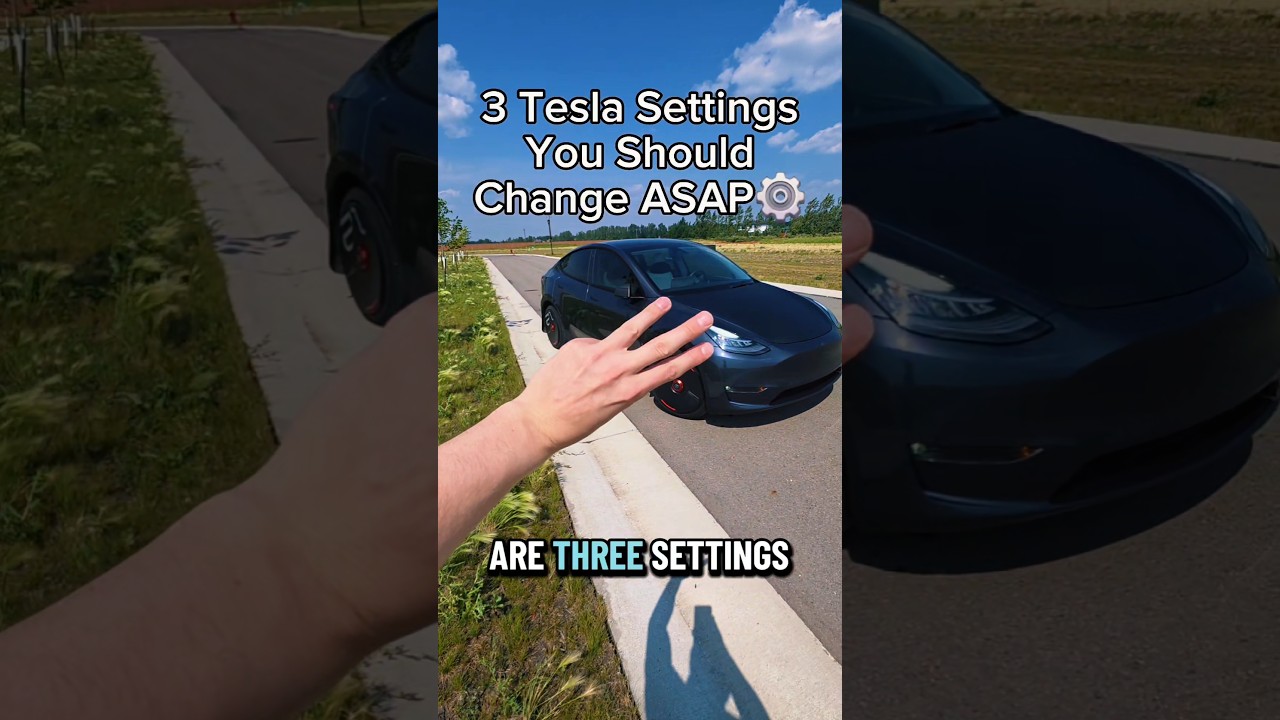
Unlock the Best of EV Tech: 3 Must-Change Tesla Settings for Every Owner
This article provides an in-depth exploration of EV tech, covering foundational concepts, practical applications, and engineering insights.
Tesla continues to lead the charge in modern EV tech, offering drivers an unmatched combination of software customization and peak electric performance. However, taking delivery of your electric vehicle is just the beginning. To truly elevate your daily commute and maximize security, there are a few default preferences you should adjust right away.
Here are three essential Tesla settings every owner should change ASAP to get the most out of their car.
1. Enable 'PIN to Drive' for Maximum Security
While smartphone keys and key fobs offer seamless entry, digital signal spoofing remains a concern for modern vehicles. By enabling the "PIN to Drive" feature, you add a vital layer of anti-theft protection.
To turn this on, navigate to Controls > Safety > PIN to Drive and set a four-digit code. Once active, your Tesla will require this PIN on the touchscreen before it can be shifted into gear. It is one of the easiest ways of leveraging advanced EV tech to keep your vehicle safe.
2. Set Stopping Mode to 'Hold'
One of the highlights of driving an electric car is regenerative braking, which captures energy while slowing down. You can optimize this feature even further by switching your Stopping Mode to "Hold."
Located under Controls > Pedals & Steering > Stopping Mode, selecting "Hold" maximizes regenerative braking all the way down to 0 mph, automatically applying the brakes when the car comes to a complete halt. This enables true one-pedal driving, significantly reducing wear on your brake pads and making stop-and-go traffic effortless.
3. Turn On 'Joe Mode' for Quiet Comfort
Tesla vehicles use audible chimes for various alerts, such as Autopilot status changes, seatbelt warnings, and navigation cues. However, these chimes can be unexpectedly loud—especially if you have sleeping children or passengers in the back.
By enabling "Joe Mode" under Controls > Safety > Joe Mode, the vehicle lowers the volume of non-critical alerts while keeping key safety warnings active. It creates a far more relaxed cabin atmosphere without sacrificing safety.
Final Thoughts
Taking two minutes to fine-tune these settings will dramatically improve your safety, driving comfort, and overall ownership experience. Mastering these simple tweaks ensures you are getting the absolute most out of today's smart EV tech!


